 Stephen Scott
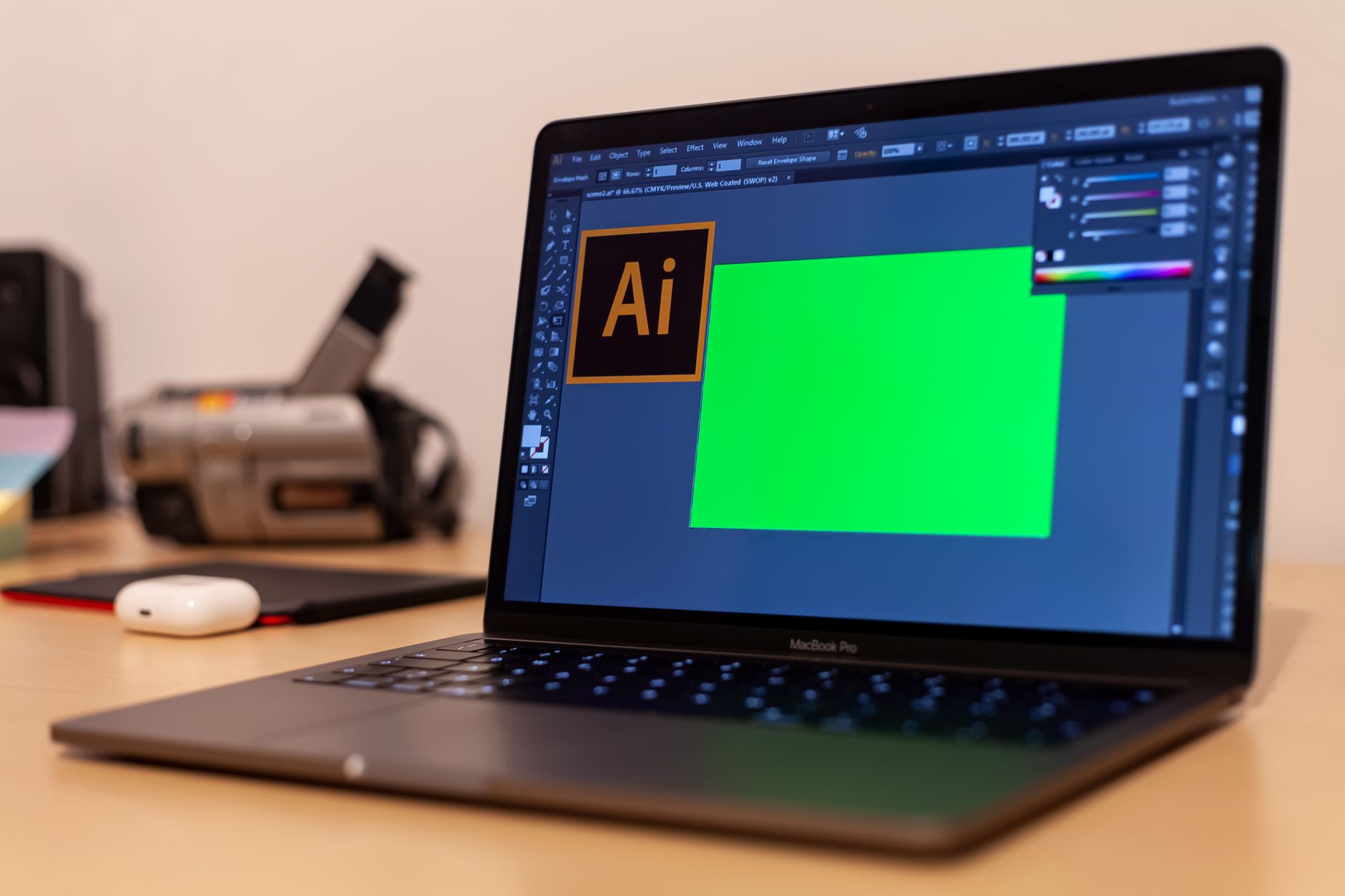
AI tools in Photoshop are revolutionizing the way creatives approach their projects. Adobe’s latest updates introduce powerful AI agents and new creative tools that enhance user experience and productivity.
Introduction to AI in Photoshop
Adobe has revolutionized the creative landscape with the introduction of AI tools in Photoshop, enhancing the way artists and designers approach their projects. These innovative features are designed to streamline workflows, boost creativity, and provide users with unprecedented capabilities.
One of the standout advancements is the integration of AI agents that assist in various tasks, allowing users to focus more on their creative vision. With the help of intelligent algorithms, Photoshop can now analyze images and suggest enhancements, making it easier for users to achieve their desired outcomes without extensive manual adjustments.
The new AI-powered tools are not only about efficiency; they also open up exciting avenues for artistic expression. For instance, the Firefly feature allows users to generate unique textures and patterns based on simple inputs, providing a fresh source of inspiration and creativity. This capability is particularly beneficial for graphic designers looking to create custom elements for their projects.
Additionally, these tools are designed with user-friendliness in mind, ensuring that both beginners and seasoned professionals can take advantage of the advanced functionalities. With ongoing updates and improvements, Adobe’s commitment to integrating AI tools in Photoshop is set to reshape the creative process, making it more accessible and innovative for everyone.
New Features in Premiere Pro
Adobe has introduced a range of exciting new features in Premiere Pro that leverage the power of artificial intelligence. These enhancements are designed to streamline the editing process and elevate the creative possibilities for users. Among the standout features are:
- AI-Powered Scene Edit Detection: This tool automatically identifies and marks cuts in a video clip, significantly reducing the time spent manually searching for transitions.
- Auto Reframe: Aimed at social media content creators, this feature intelligently adjusts the aspect ratio of videos, ensuring that key subjects remain in focus regardless of the format.
- Enhanced Audio Matching: Utilizing AI algorithms, this tool can analyze and match audio levels across different clips, providing a more polished sound without the need for extensive manual adjustments.
- Smart Color Matching: This feature allows editors to match colors between different clips seamlessly, ensuring a consistent look throughout the project.
These innovative tools in Premiere Pro reflect Adobe’s commitment to integrating AI capabilities across its software suite. As seen with the AI tools in Photoshop, these advancements are set to revolutionize the creative workflow, enabling both amateur and professional editors to achieve stunning results with greater efficiency. The integration of AI not only enhances productivity but also opens up new avenues for creative expression.
How Firefly Enhances Creativity
Adobe’s Firefly is revolutionizing the creative process by integrating advanced AI tools in Photoshop, offering users a suite of features designed to enhance creativity. With its intuitive interface and powerful capabilities, Firefly enables artists and designers to streamline their workflows and push the boundaries of their imagination.
One of the standout features of Firefly is its ability to generate high-quality images from simple text prompts. Users can describe the visual elements they want, and the AI interprets these descriptions, producing unique and creative graphics that can be further refined in Photoshop. This functionality not only saves time but also inspires new ideas that might not have originated through traditional methods.
Additionally, Firefly includes tools for enhancing existing images. Users can apply various styles, filters, and effects seamlessly, allowing for a more dynamic and personalized approach to image editing. The integration of AI tools in Photoshop means that even novice users can achieve professional-quality results with minimal effort.
Furthermore, the collaborative features in Firefly allow teams to share their creative visions in real-time, making the creative process more interactive and engaging. As AI continues to evolve, tools like Firefly are set to play a crucial role in shaping the future of digital artistry.
- Text-to-image generation
- Style and effect application
- Real-time collaboration
User Reactions to Adobe’s Updates
User reactions to Adobe’s updates regarding AI tools in Photoshop have been overwhelmingly positive, with many users expressing excitement about the new capabilities. The integration of AI tools has sparked a wave of creativity among both professional designers and amateur enthusiasts.
Many users have taken to social media to share their experiences, highlighting how these tools have simplified complex tasks and enhanced their workflows. According to one graphic designer, “The new AI tools in Photoshop have transformed my approach to image editing. What used to take hours can now be done in minutes!” This sentiment echoes among other users who appreciate the efficiency brought by these advancements.
However, not all feedback has been entirely positive. Some users have voiced concerns regarding the learning curve associated with these new features. One photographer noted, “While I love the potential of AI, I find myself a bit overwhelmed with all the new settings and options.” This highlights a need for Adobe to provide more comprehensive tutorials and support to help users adapt.
Nevertheless, the overall consensus is that the AI tools in Photoshop open up exciting creative possibilities. Users are eager to explore these innovations further, and many anticipate that future updates will refine the features based on community feedback. The potential for collaboration and creativity in design continues to grow with these enhancements.
Comparing AI Tools in Creative Software
As the landscape of digital creativity evolves, the integration of AI tools in Photoshop has become increasingly prominent. These tools are designed to streamline workflows and enhance artistic expression, making them essential for both novice and professional creators. A comparison of the various AI features across different creative software reveals distinct advantages and functionalities.
Photoshop’s AI capabilities focus on automating repetitive tasks, providing smart suggestions, and enhancing image quality. For instance, the content-aware fill feature allows users to seamlessly remove unwanted objects from images, while the neural filters enable creative transformations with just a few clicks. This functionality not only saves time but also opens new avenues for artistic exploration.
In contrast, other creative software like Premiere Pro and After Effects emphasize video editing and motion graphics, incorporating AI tools that assist with color grading, audio adjustments, and scene recognition. These features facilitate a more intuitive editing experience, allowing creators to focus on storytelling rather than technical details.
While each software excels in its unique domain, the synergy between them offers a holistic approach to digital creation. By leveraging the best AI tools in Photoshop alongside complementary features in other Adobe products, users can create compelling multimedia projects that push the boundaries of their creativity.
Future of AI in Digital Art
The future of AI in digital art is poised for remarkable advancements, particularly with the integration of AI tools in Photoshop. As technology evolves, these tools are not just enhancing creative processes but are also transforming the way artists and designers approach their work.
One of the most exciting prospects is the potential for AI to facilitate greater collaboration between artists and machines. With ongoing developments in machine learning, Photoshop’s AI capabilities can learn from user preferences, streamline workflows, and even suggest creative directions. This means that artists can focus more on their vision while letting AI handle repetitive tasks.
- Personalized Assistance: Future AI tools could offer tailored suggestions based on an artist’s style, making the creative process more intuitive.
- Improved Image Editing: Enhanced algorithms could lead to more accurate selections, adjustments, and effects, saving time and improving outcomes.
- Augmented Reality Integration: Combining AI with AR could open new avenues for interactive and immersive digital art experiences.
Moreover, as AI continues to evolve, ethical considerations will become increasingly important. Artists will need to navigate the balance between leveraging these powerful tools and preserving their unique creative identities. The synergy between human creativity and AI technology holds the promise of unprecedented artistic expression in the years to come.
Tips for Using AI Tools Effectively
As Adobe continues to integrate innovative AI tools in Photoshop, users can enhance their creative workflows significantly. Below are some tips for using these tools effectively to achieve the best results.
- Familiarize Yourself with the Features: Before diving into projects, take time to explore the various AI tools available in Photoshop. Understanding what each tool offers can help you leverage their full potential.
- Use AI for Repetitive Tasks: AI tools are particularly effective for automating repetitive tasks. This allows you to focus more on the creative aspects of your work, such as composition and color grading.
- Experiment with Styles: Take advantage of AI’s ability to mimic artistic styles. By experimenting with different styles, you can find unique aesthetics that enhance your projects.
- Combine Traditional Techniques with AI: While AI tools can streamline your process, don’t forget to incorporate traditional techniques. The blend can lead to more personalized and compelling results.
- Stay Updated: Adobe frequently updates its AI capabilities. Keep an eye on new features and enhancements to ensure you’re using the latest tools in Photoshop.
By following these tips, you can effectively integrate AI tools in Photoshop into your creative process, leading to innovative outcomes and a more efficient workflow.
Conclusion on Adobe’s AI Innovations
As Adobe continues to revolutionize the creative landscape, the introduction of AI tools in Photoshop marks a significant leap forward in digital artistry. The integration of advanced artificial intelligence offers users an unprecedented opportunity to enhance their creative workflows, making complex tasks more manageable and accessible. This shift not only empowers seasoned professionals but also opens the doors for beginners to explore their artistic potential without feeling overwhelmed.
The innovations seen in Photoshop reflect Adobe’s commitment to staying at the forefront of technology. By incorporating AI-driven features, users can expect faster results with greater precision, enabling them to focus more on their artistic vision rather than getting bogged down in technical details. The response from the creative community has been overwhelmingly positive, with many artists praising the intuitive design and effectiveness of these new tools.
Moreover, Adobe’s ongoing investment in AI solutions like Firefly demonstrates a broader vision for the future of creative software. As these technologies continue to evolve, we can anticipate even more powerful tools that will redefine the boundaries of creativity. In conclusion, Adobe’s AI tools in Photoshop not only enhance artistic capabilities but also inspire a new generation of creators to push the limits of their imagination. The future looks bright for those willing to embrace these innovative solutions and integrate them into their creative processes.
AI tools in Photoshop have revolutionized the way artists approach their creative projects, making complex tasks simpler and more efficient. By integrating AI tools in Photoshop, users can explore new artistic possibilities that were once thought to be time-consuming or difficult to achieve.
Photo by Luca Sammarco on Pexels